For people who build with AI
Build your website or app with AI — no coding needed
Pick a professional design from Fazekit, tell us about your project in one sentence, and paste a ready prompt into your AI tool. It builds the rest.
How it works
1. Pick a design
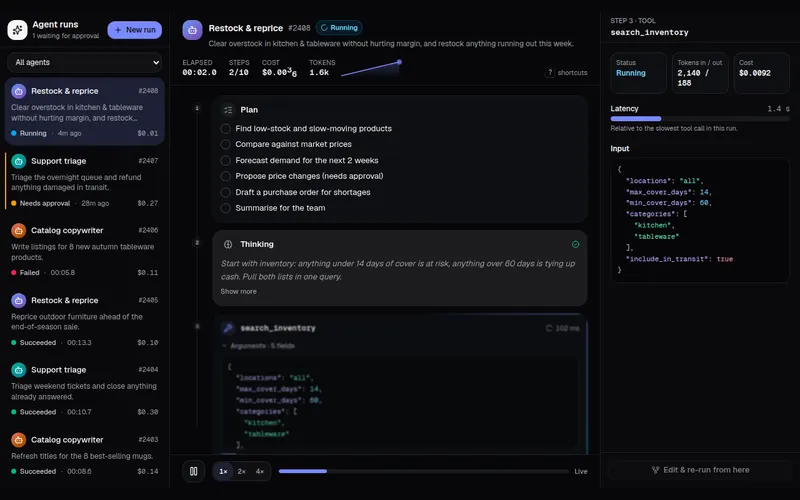
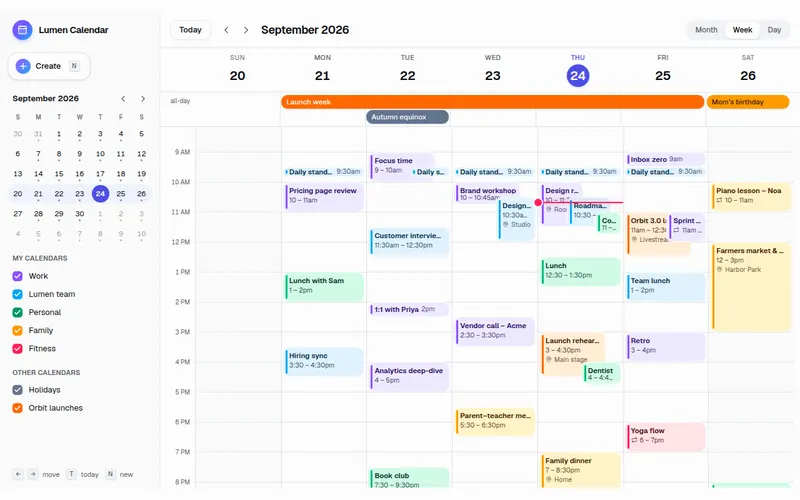
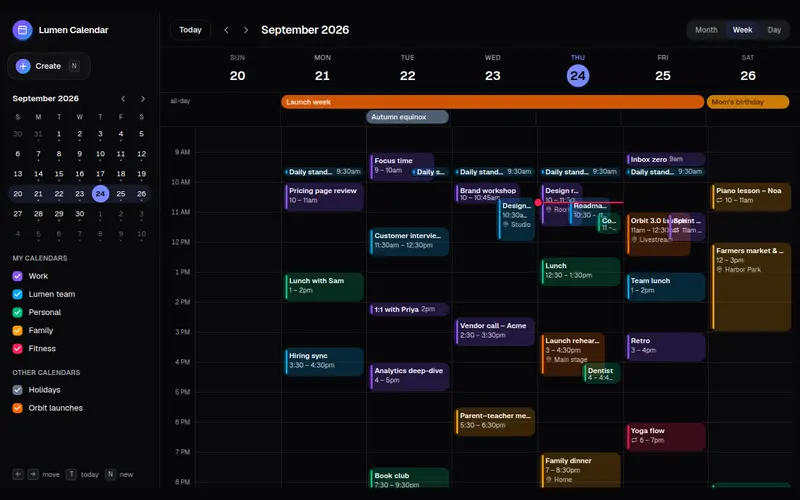
Browse templates (whole websites), apps (working tools like a shop, CRM or booking) or single sections. Every item has a live preview.
2. Describe your project
On the item page, choose your AI tool in “Build with AI” and describe your business, e.g. “wine shop Vino Bello, burgundy and gold, prices in PLN”.
3. Paste & publish
Copy the prompt, paste it into your AI tool and send. It adds the design adapted to your project. Ask for changes in plain words, then publish.
Which AI tool?
Any of these works. Not sure? Start with one that runs in the browser.
Lovable
In the browserEasiest start: full websites and apps, one-click publish.
Bolt
In the browserFast prototypes and full-stack apps, one-click publish.
v0
In the browserOpens Fazekit items directly with “Open in v0”.
Cursor
On your computerWhen you want the code in your own project.
Claude Code
On your computerAgent that installs, adapts and wires things up for you.
ChatGPT / Claude
ChatExplains every step if you're just learning.
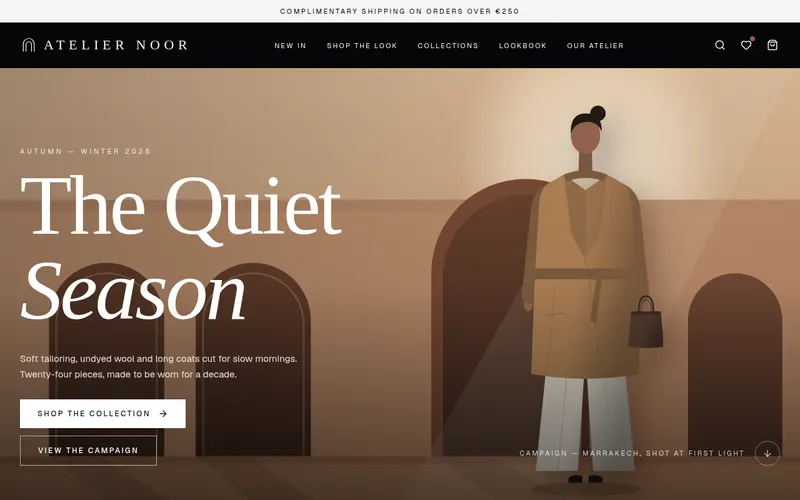
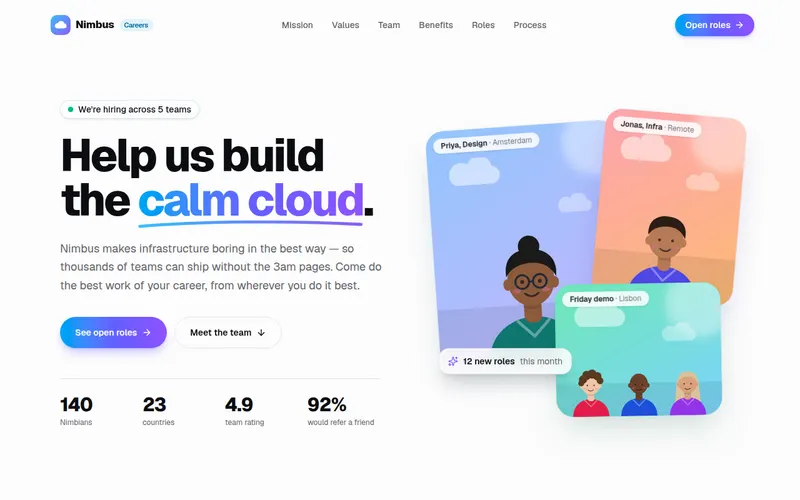
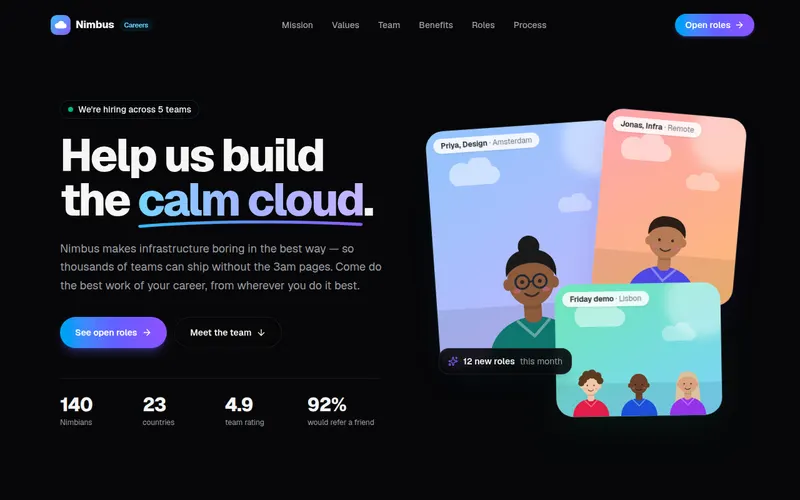
Good first projects
All templates →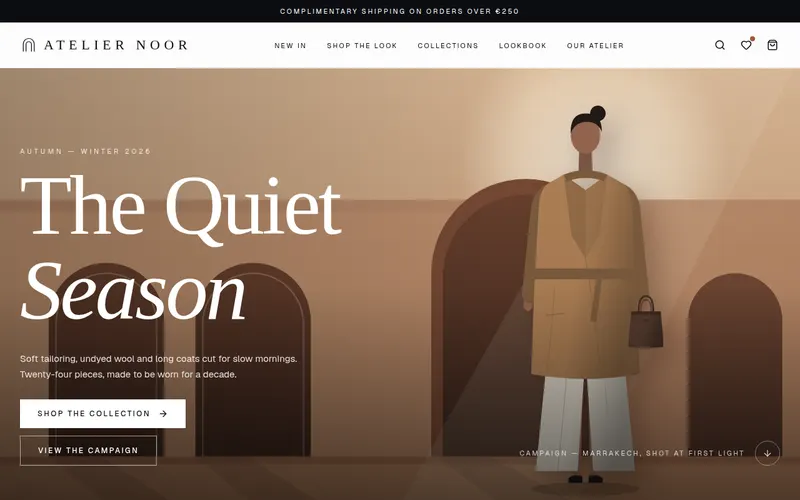
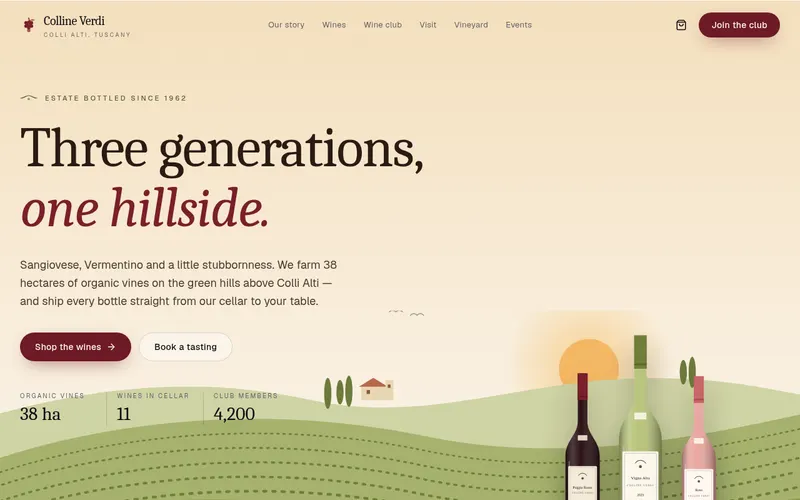

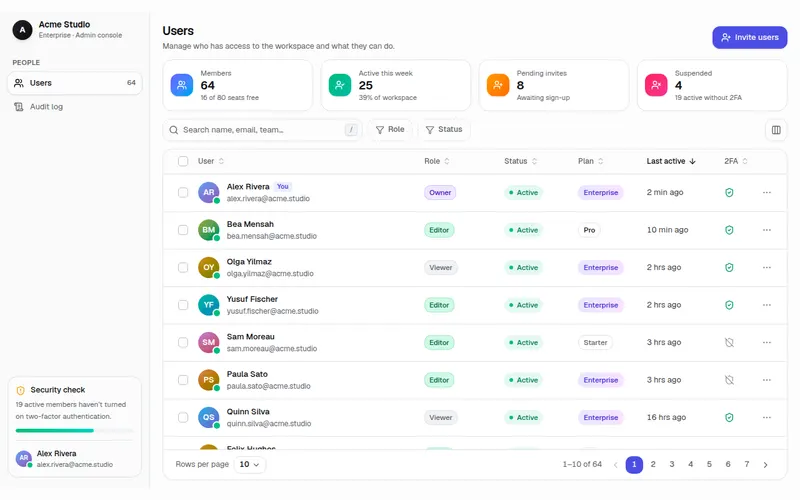
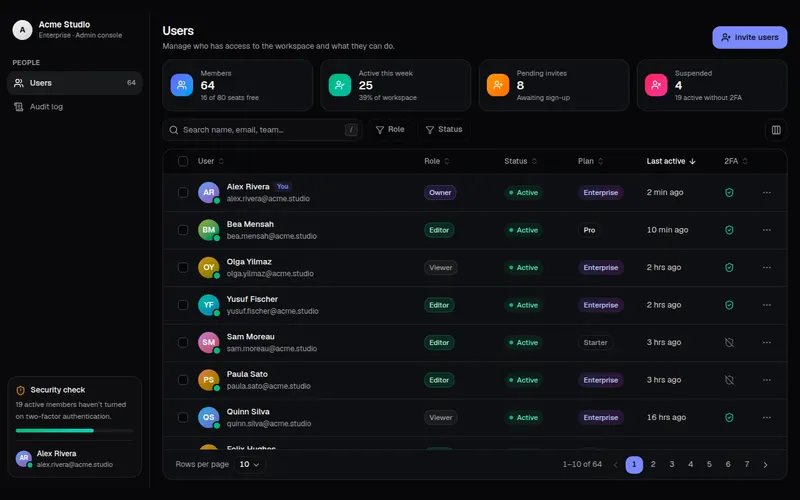
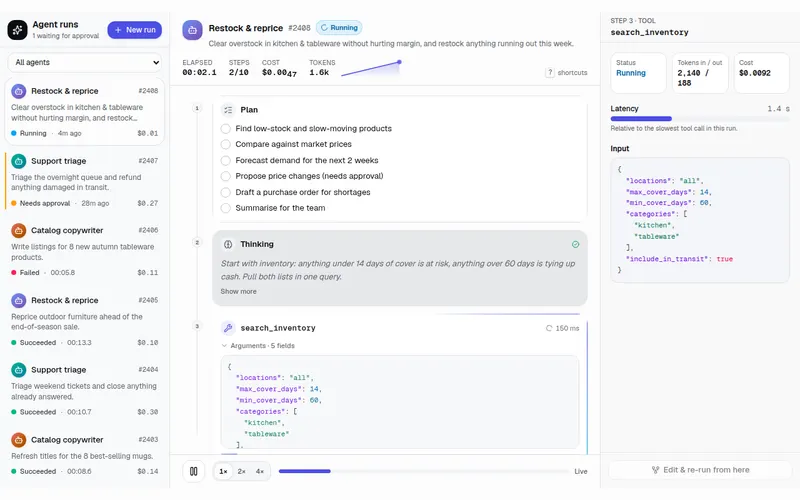
Connect Fazekit to your AI agent (MCP)
With the Fazekit MCP server your agent can search the catalog and install items by itself — just ask “add a pricing section from Fazekit” or “build me a wine shop using Fazekit”.
Claude Code
Cursor — add to .cursor/mcp.json
{
  "mcpServers": {
    "fazekit": {
      "url": "https://fazekit.com/mcp"
    }
  }
}
Works with any MCP client that supports remote HTTP servers. Endpoint: https://fazekit.com/mcp
Questions
Do I need to know how to code?+
No. You choose a design here, describe your project in a sentence, and paste the prompt into your AI tool. The AI writes and adapts the code. Knowing a little helps when you want bigger changes.
What does it cost?+
Everything on Fazekit is free to use, including in commercial projects (see Licensing). AI tools have their own free tiers and paid plans.
How do I put my site online?+
Lovable, Bolt and v0 have a Publish/Deploy button. With Cursor or Claude Code you can deploy to hosts like Vercel or Netlify — ask the AI to walk you through it.
Are the apps connected to a database or payments?+
The apps are complete interfaces with realistic demo data. Ask your AI tool to connect them to a real backend (for example Supabase for data and Stripe for payments) — the prompt already tells it where the data and callbacks are.
The AI made a mistake. What now?+
Paste the error message back into the chat and ask it to fix it. You can also copy the prompt again with a different tool selected.